

최신 글
-
How to Separate Search Intent, Sources, Claims, and Publishing Conditions
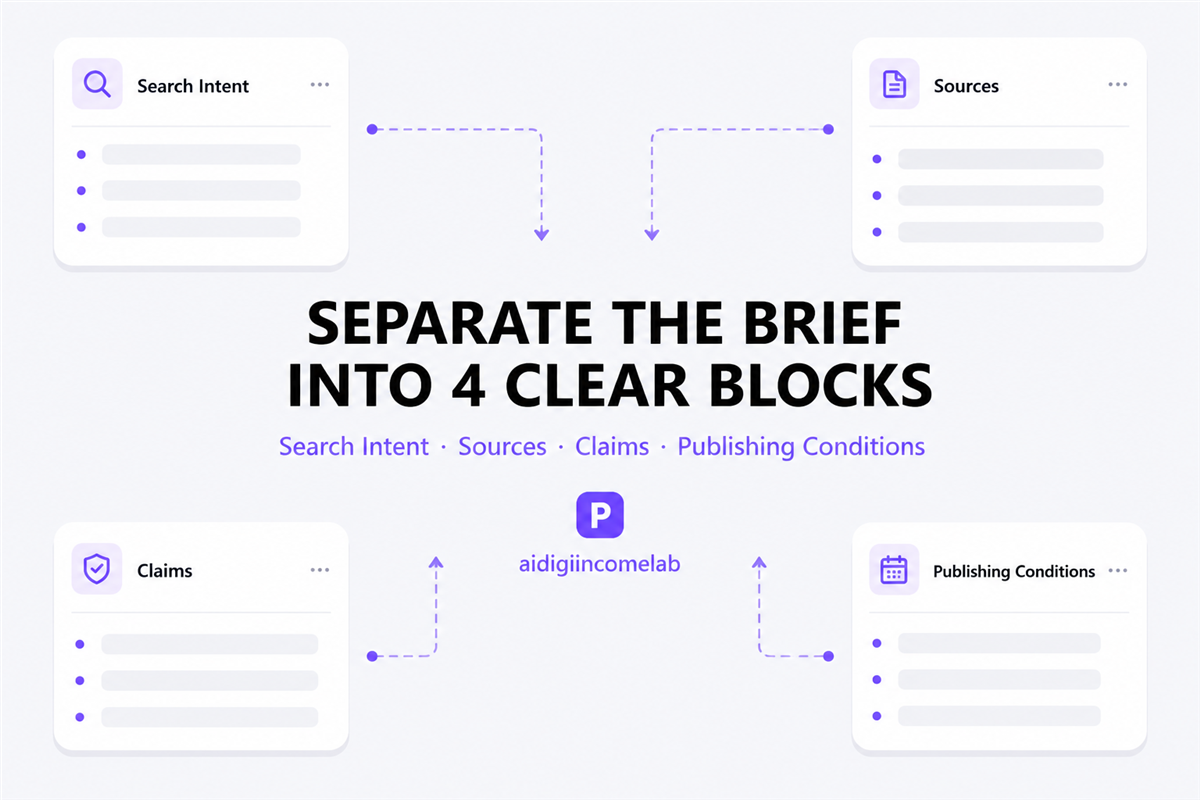
How to Separate Search Intent, Sources, Claims, and Publishing Conditions Direct answer: Give each instruction one job. Search Intent defines the reader’s task, Sources defines the evidence pool, Claims defines the burden of proof, and Publishing Conditions defines the finished deliverable. Why mixed SEO briefs create avoidable rework An SEO brief can contain every requested…
-
How to Keep Fact-Check Rules in an SEO Content Brief

How to Keep Fact-Check Rules in an SEO Content Brief Answer: Put accuracy requirements in four separate sections—search intent, source conditions, claim rules, and publishing conditions. Write each rule as an action with a boundary, then preview the complete brief in delivery order before sending it. This makes missing, conflicting, or outdated instructions easier to…
-
AI Video Continuity Template: Keep One Character Consistent Across Five Shots
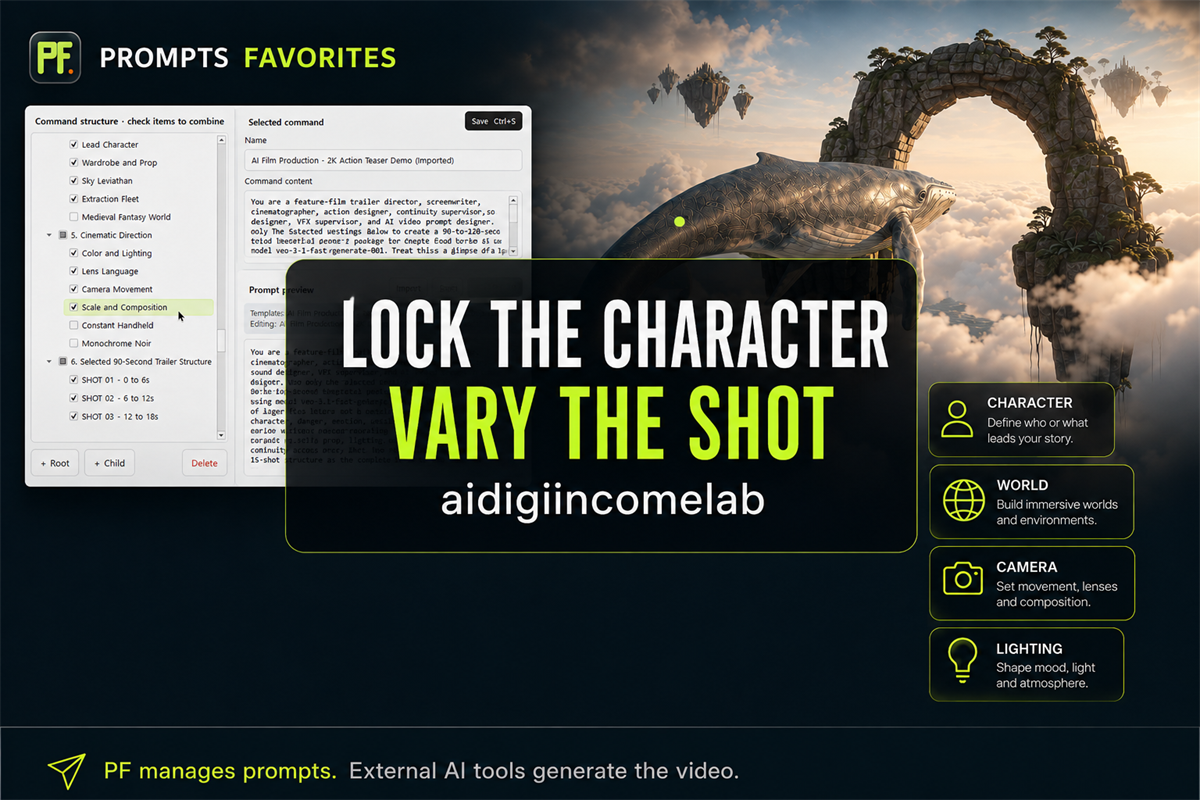
AI Video Continuity Template: Keep One Character Consistent Across Five Shots Direct answer: To keep one character consistent across five AI video shots, split every prompt into three layers: an unchanged project lock, a shot-specific instruction, and a continuity ledger. Paste the same identity, wardrobe, prop, world, lighting, and screen-direction lock into every shot; vary…
-
AI Video Prompts in Documents vs PROMPTS FAVORITES: Which Workflow Fits?
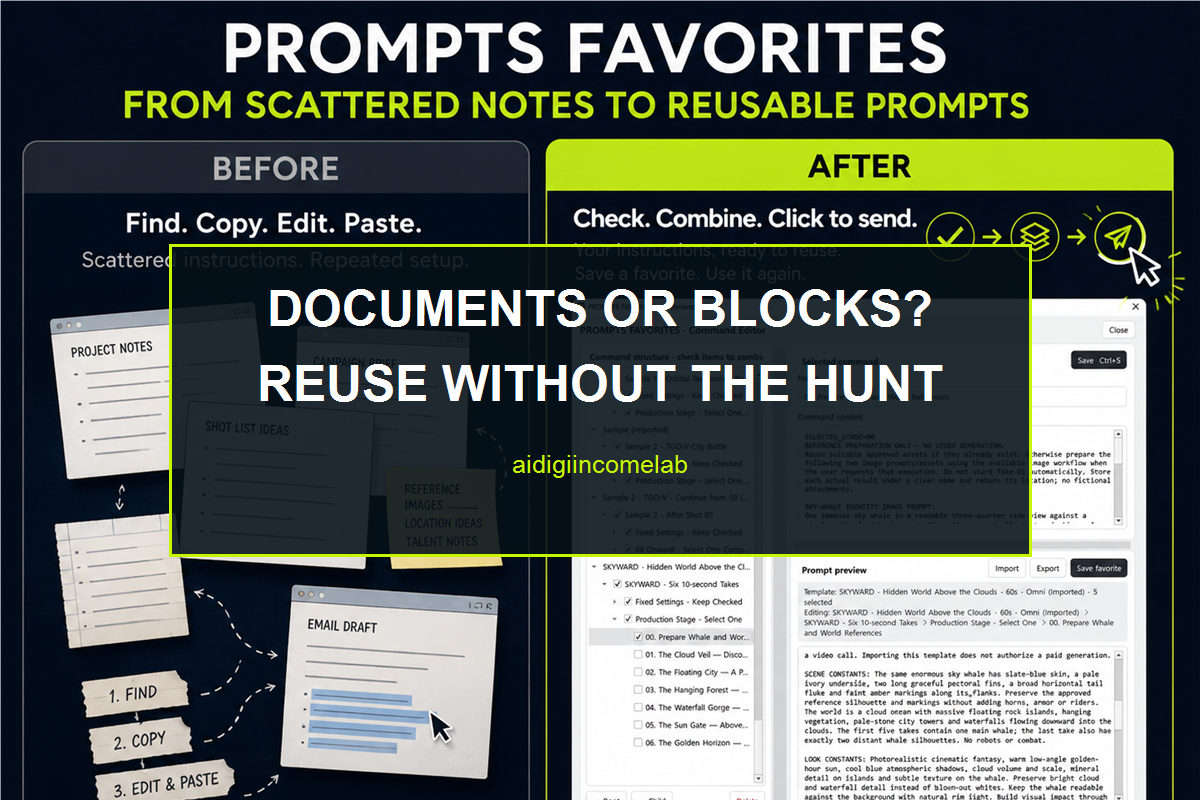
Managing AI Video Prompts in Documents vs PROMPTS FAVORITES Direct answer: Use documents when your prompt set is small, changes more often than it repeats, or depends on long-form collaboration. Consider PROMPTS FAVORITES when you repeatedly reuse character, world, camera, and shot instructions and want to select, combine, review, save, and send those blocks from…
-
How to Build a Reusable AI Video Prompt From Selectable Blocks
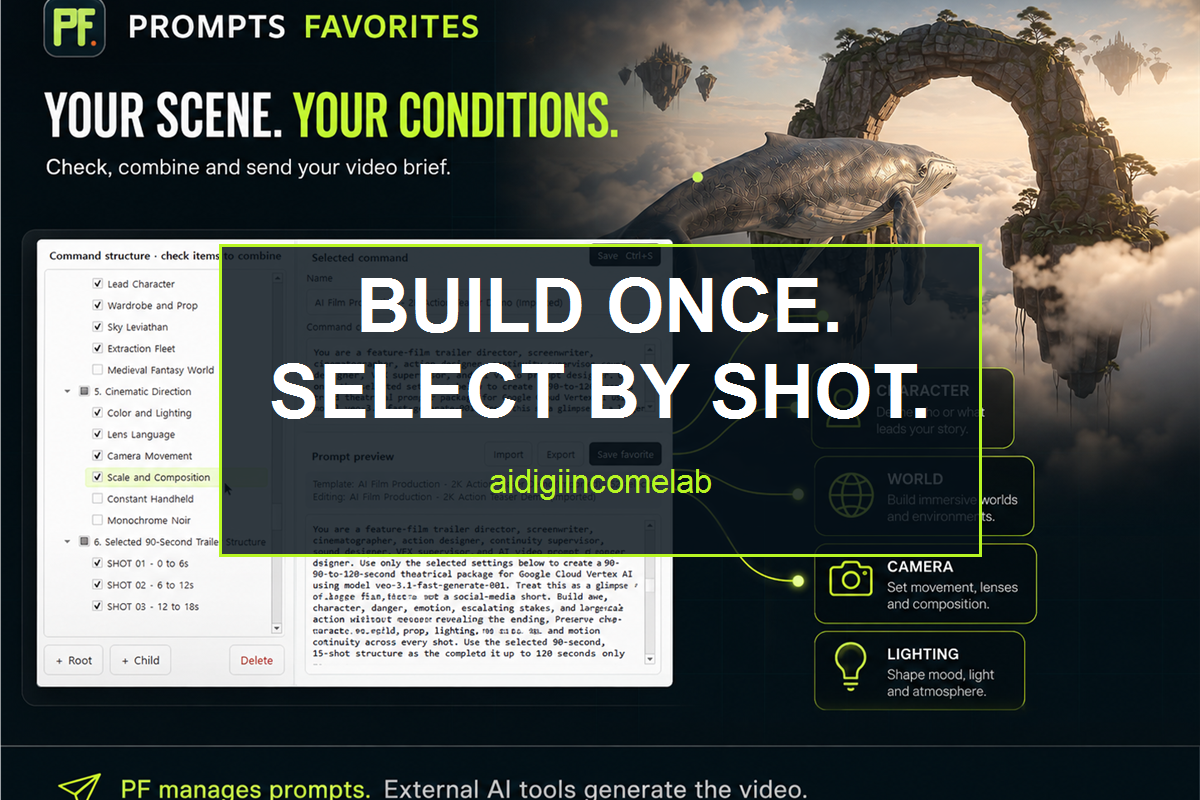
Build a Reusable AI Video Prompt From Selectable Blocks Direct answer: Build a reusable AI video prompt by separating stable continuity rules from shot-specific directions, storing each complete instruction as a clearly named block, and selecting only the blocks needed for the current shot. Before sending the prompt, read the combined result as a standalone…
-
How to Separate Character, World, Camera, and Shot Instructions

How to Separate Character, World, Camera, and Shot Instructions Direct answer: Write your AI video prompt as four independent blocks—Character, World, Camera, and Shot—and revise only the block responsible for the result you want to change. Keep identity and setting details in the first two blocks, and keep viewpoint and clip-specific action in the last…