

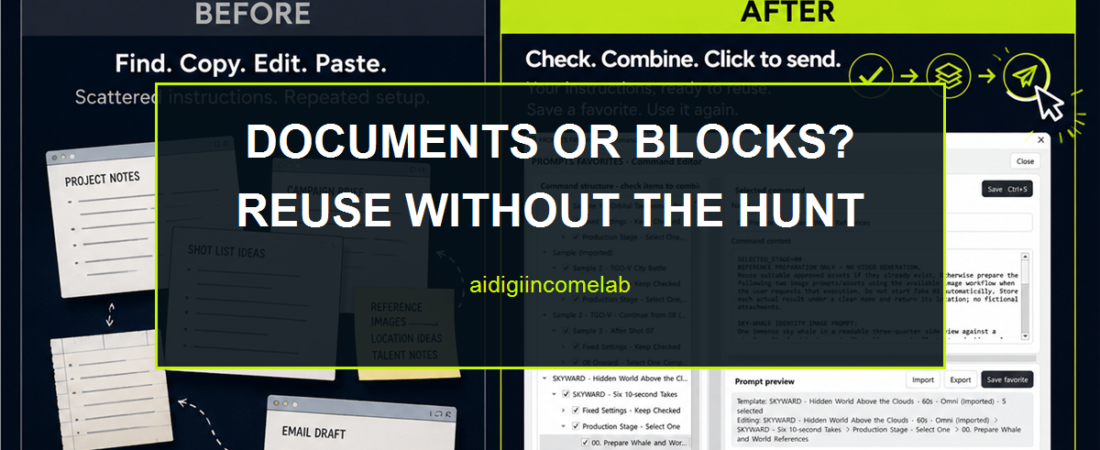
Managing AI Video Prompts in Documents vs PROMPTS FAVORITES
Direct answer: Use documents when your prompt set is small, changes more often than it repeats, or depends on long-form collaboration. Consider PROMPTS FAVORITES when you repeatedly reuse character, world, camera, and shot instructions and want to select, combine, review, save, and send those blocks from one Windows workflow. Neither option generates the video.
The honest case for documents
A document is often the right starting point. It is familiar, flexible, easy to share in many workflows, and well suited to long explanations. You can keep a character bible, world description, negative constraints, shot plan, and change history in one place. If you make only a few videos or rarely reuse the same setup, a carefully organized document may be all you need.
The difficulty appears when a reference document must also behave like a prompt assembly system. You may highlight sections, duplicate templates, maintain several versions, or paste the same continuity block into every shot. Those methods work, but they place the assembly logic in your memory. You must remember which paragraphs are fixed, which are optional, which changed, and which belong in the current shot.
For a dependable document workflow, divide the material into four layers:
- Project lock: the character identity, signature wardrobe, world rules, visual style, and exclusions that should remain stable.
- Sequence lock: the location, time of day, lighting direction, active props, and screen direction shared by a group of shots.
- Shot change: the action, framing, lens language, camera movement, and emotional beat that change now.
- Review note: a short record of what changed and why before the prompt is used.
Give each layer a clear label. Keep the stable layers above the variable shot section, and duplicate only from a clean master. This reduces accidental drift even if you never use a separate prompt-management tool.
Where PROMPTS FAVORITES changes the workflow
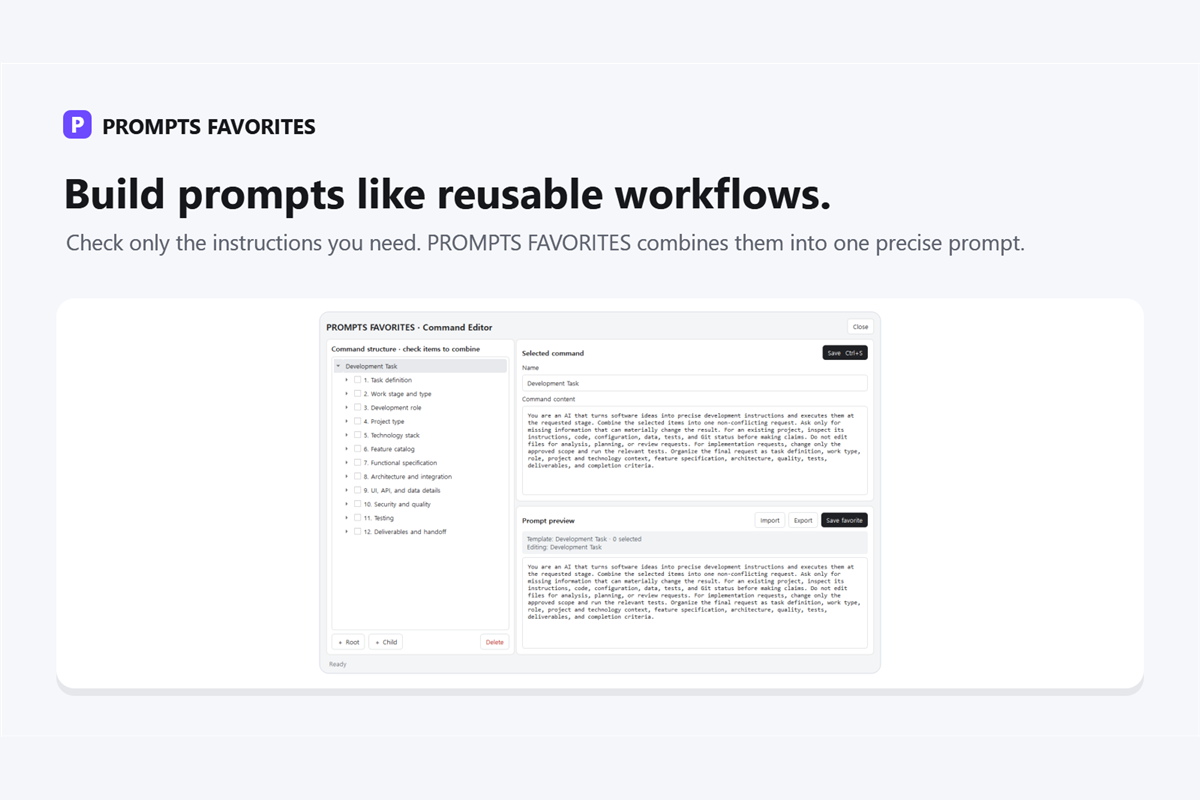
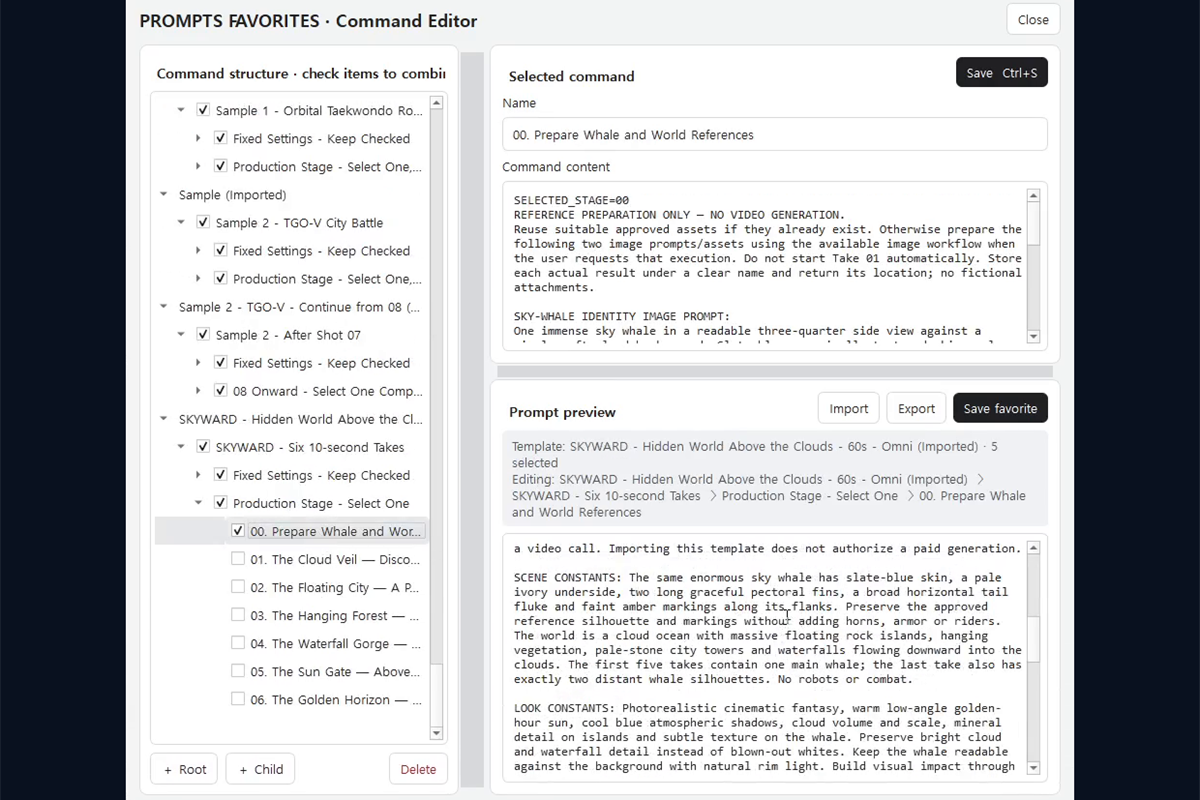
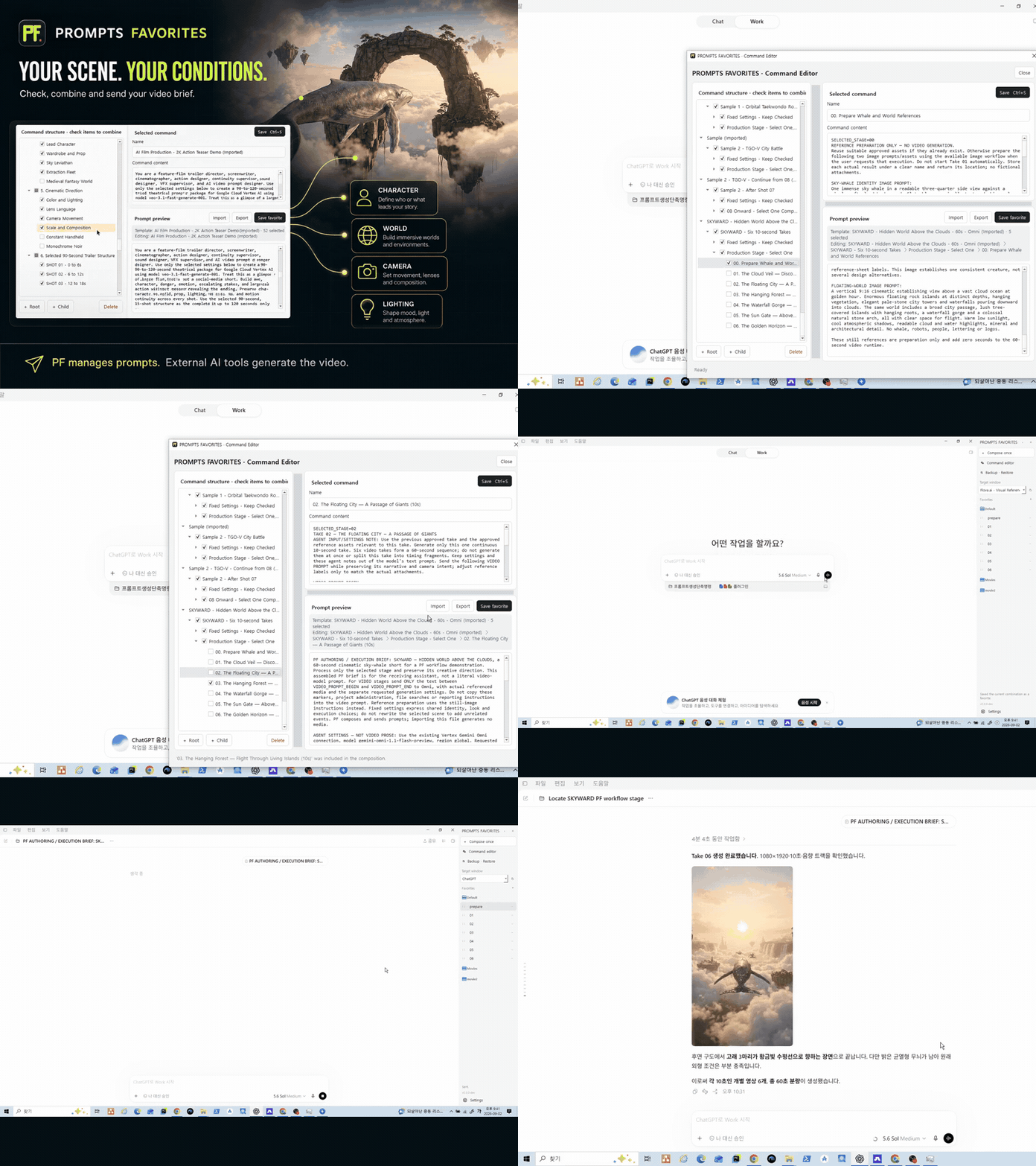
PROMPTS FAVORITES is a Windows product for managing prompt instructions. Its command tree can hold hierarchical, selectable instruction blocks. Instead of manually finding and copying every paragraph, you select the blocks needed for the current task. The product combines those selections into a preview, where you can inspect the assembled prompt before sending it.
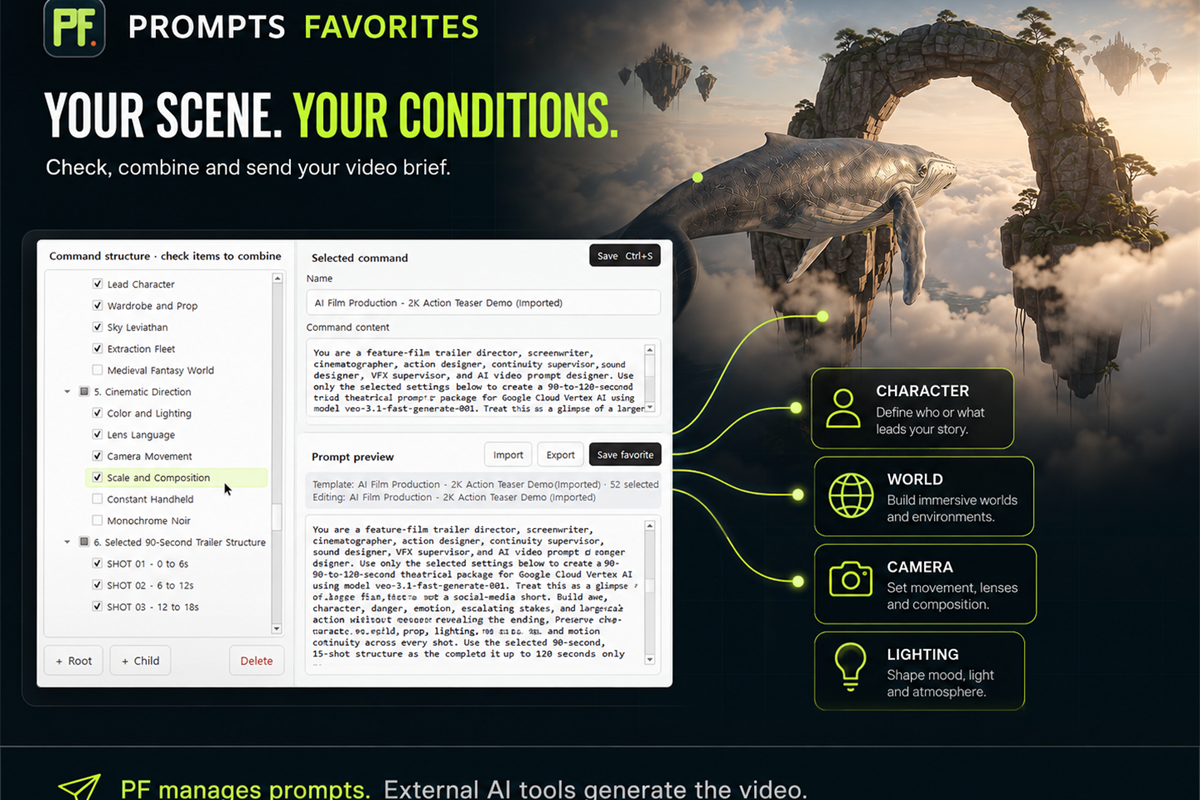
That difference matters most when continuity instructions repeat but shot instructions change. A creator might keep the character identity and world rules selected across a sequence, then choose a different shot block for each take. The combined preview makes the active instruction set visible in one place.
Named favorites and workflows can be saved for reuse, and PF stores its data locally in JSON. It can send the prepared instructions to a selected Windows target. These are workflow functions, not generation functions: PF does not create the AI answer or video. The external AI tool receiving the prompt remains responsible for generation.
Documents vs PF at a glance
| Workflow question | Documents | PROMPTS FAVORITES |
|---|---|---|
| Where do instructions live? | Pages, sections, tables, or separate files | Hierarchical selectable blocks in a command tree |
| How is a shot prompt assembled? | Find, copy, paste, and edit sections manually | Select blocks and combine them into a preview |
| How do you review active instructions? | Read the assembled document or pasted prompt | Review the combined preview |
| How are reusable setups kept? | Master files, duplicated templates, or named versions | Named saved favorites and workflows |
| Where does PF data live? | Not applicable; depends on the document tool | Local JSON storage |
| How does the prompt reach another tool? | Copy and paste through your normal workflow | Send to a selected Windows target |
| Does it generate video? | No | No |
The table is not a claim that PF replaces every document. Long-form creative reasoning, research notes, approvals, and collaborative comments may still belong in documents. PF is most relevant when the repeated task is selecting, combining, checking, saving, and sending instruction blocks.
A practical continuity structure for either method
Whether you use documents or PF, start with the same content architecture.
1. Define the character lock
Write only observable details that need to persist: age range, face and hair characteristics, wardrobe, distinctive props, posture, and any features that must not change. Avoid mixing the permanent identity with a one-shot action.
2. Define the world lock
Record the location, architecture, weather, time of day, palette, light direction, and recurring environmental elements. If the story moves to a new place, create a new world block instead of silently editing the old one.
3. Separate camera choices
Framing, lens language, camera height, movement, and composition often vary by shot. Keeping them separate prevents a camera change from disturbing the character or world description.
4. Add one shot-specific block
State what changes in the current shot: action, expression, interaction, and the intended visual beat. If everything else is locked, this section can stay short.
5. Review the complete prompt
Check for contradictions, duplicates, and stale details. Confirm that the character lock and world lock are still present. A document user reviews the assembled text; a PF user reviews the combined preview.
When each option makes sense
Stay with documents when your prompt set is small, the material changes more often than it repeats, or long-form collaboration matters more than rapid assembly. A disciplined naming convention and clean master template can carry a lightweight workflow surprisingly far.
Consider PF when you repeatedly search for the same instructions, maintain many optional prompt parts, or want to see a combined version before sending it. The value is organizational: fewer manual assembly steps and a clearer view of what is selected. It is not a promise of better generated footage, because generation results still depend on the external AI tool, its settings, and the prompt itself.
PF offers a 7-day trial. After the trial, the verified pricing is $5 per month or $50 per year. These terms were current as of September 4, 2026. Use a real continuity project, compare the assembly process with your current document method, and judge whether the saved workflow fits how you work.
Turn the comparison into a five-shot test
Choose one character, one world, and five connected shots. Lock the identity and environment, vary only the shot instructions, and inspect the complete prompt each time. That small exercise reveals whether your current documents are controlled enough or whether selectable reusable blocks would reduce friction.
Continue to AI Video Continuity Template: Rebuild One Character Across Five Shots and put this structure into a concrete sequence.
Sources and update basis
- Approved canonical master and supplied verified PF product facts
- Product facts checked through: September 4, 2026
- No independent web research was performed for this package.