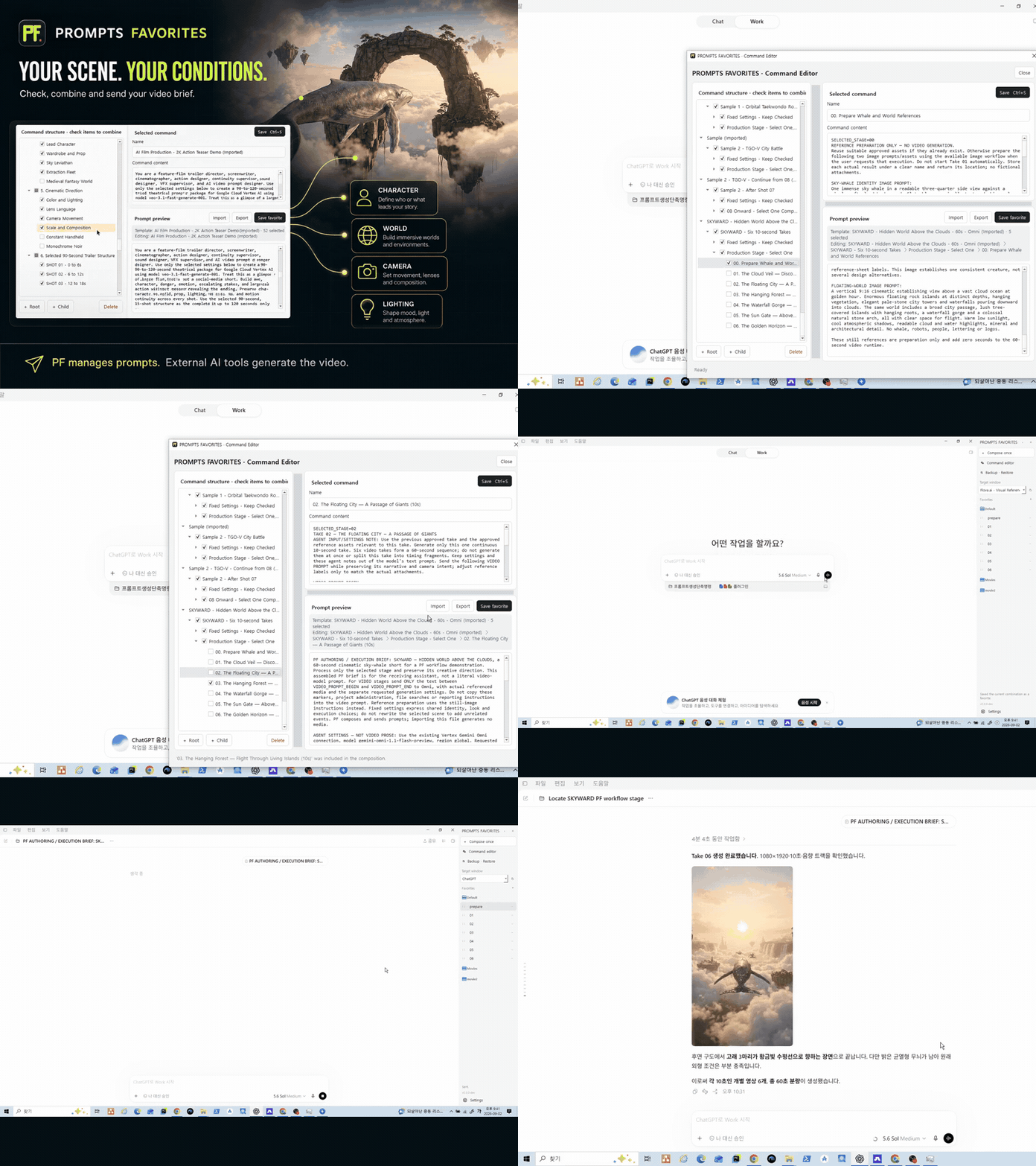

How to Separate Character, World, Camera, and Shot Instructions
Direct answer: Write your AI video prompt as four independent blocks—Character, World, Camera, and Shot—and revise only the block responsible for the result you want to change. Keep identity and setting details in the first two blocks, and keep viewpoint and clip-specific action in the last two.
When character details, setting, camera language, and shot action are packed into one paragraph, every edit becomes a gamble. Ask for a closer angle and the wardrobe may shift. Change the action and the location may quietly rebuild itself. The problem is not necessarily that your prompt needs more detail. It may need clearer boundaries.
The practical fix is to write an AI video prompt as four independent blocks: Character, World, Camera, and Shot. Each block gets one job. Details that must remain consistent stay in the first two blocks; details that are supposed to change from shot to shot stay in the last two.
The four-block rule
Use this order every time:
CHARACTER
Who or what appears, including the identity details that must not drift.

WORLD
Where the scene exists, including the environment rules that must not drift.

CAMERA
How the viewer sees the scene: framing, angle, lens feel, and movement.

SHOT
What happens during this specific clip, including the beat and its endpoint.
This order moves from the most persistent information to the most changeable. It also gives you a simple editing rule: change the smallest possible block.
If the subject looks wrong, revise Character. If the location changes, revise World. If the view feels wrong, revise Camera. If the action is wrong, revise Shot. Do not rewrite all four just because one result missed the mark.
1. Character: define the identity anchor
The Character block describes the subject as if you were handing continuity notes to another crew. Include only visible or behaviorally important traits that need to survive across shots.
- Role or subject type
- Age range or life stage when relevant
- Face, body, silhouette, or species traits
- Hair, wardrobe, colors, and signature props
- Stable mannerisms or movement qualities
Avoid hiding camera directions here. “Close-up of a pilot” mixes the identity with the view. Write “pilot in a weathered charcoal flight suit with an orange compass clipped to the chest” in Character, then put “tight close-up” in Camera.
CHARACTER
A massive gray sky whale with a broad blunt head, pale ribbed underside,
weathered skin, small dark eyes, and long tapered fins. Calm, heavy movement.
Keep its proportions, markings, and surface texture consistent.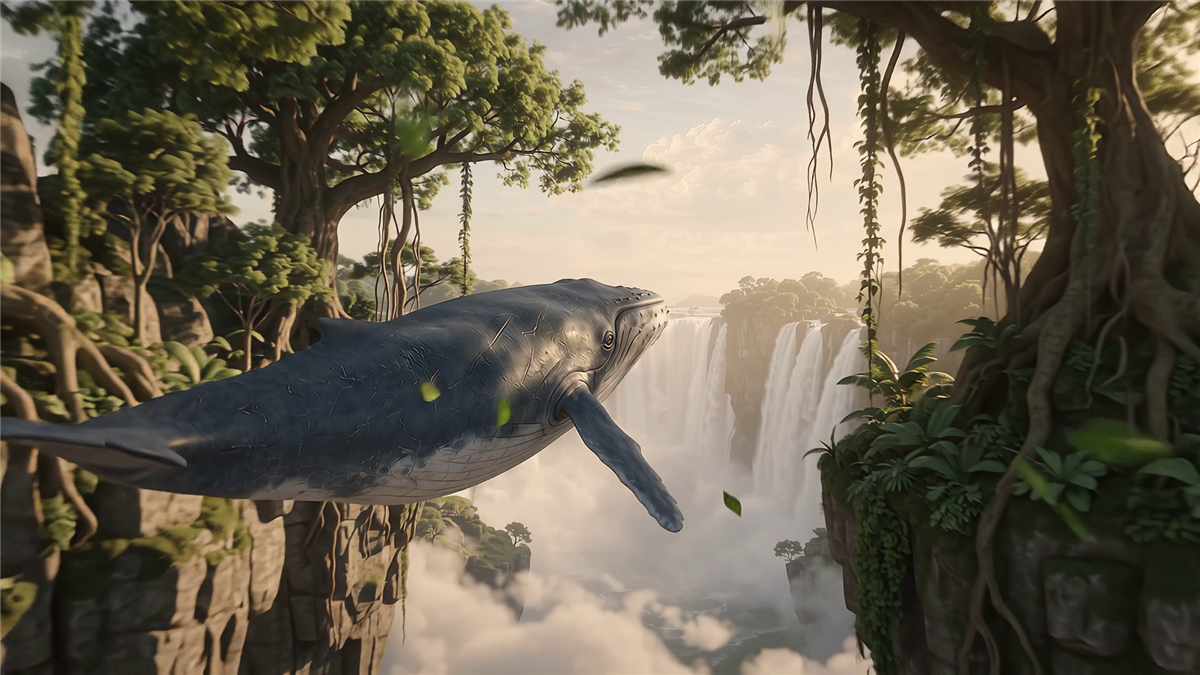
2. World: establish the rules around the character
The World block is more than a location name. It defines the visual system around the subject: architecture, terrain, weather, time of day, palette, materials, and any physical rule the scene depends on.
- Where are we?
- What materials and landmarks make this place recognizable?
- What atmosphere and light remain constant?
- What unusual rule must the scene obey?
WORLD
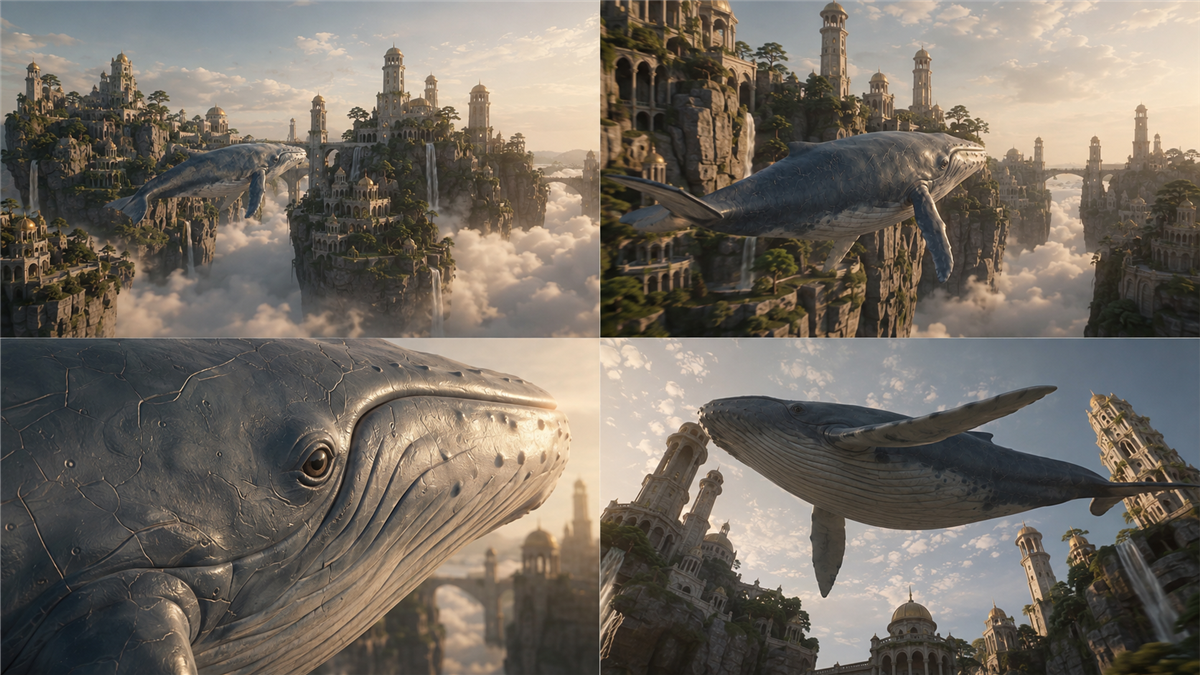
A floating stone city above a deep cloud layer, built from pale towers,
arched bridges, cliff gardens, and narrow waterfalls. Warm sunrise from the
right, soft gold highlights, cool blue-gray shadows, light mist between islands.
The city remains suspended above the clouds in every shot.
Keep consequences of the setting here, too. If objects float because gravity works differently, that is a world rule. If the character jumps once, that belongs in Shot.

3. Camera: describe the viewer’s position and motion
The Camera block controls presentation, not story content. It should tell the system where the viewpoint is, what scale it shows, and how it moves.
CAMERA
[shot size] + [angle] + [movement] + [composition or lens feel]
For example:
CAMERA
Medium-wide side view at the character's height. Smooth lateral tracking move.
The whale stays in the left third while the city opens in the background.
Natural cinematic perspective with restrained depth of field.
Do not ask the Camera block to invent the scene. “Reveal a golden floating city” mixes world design with viewpoint. Define the city in World; use Camera to explain how it is revealed.
4. Shot: give one clip one clear job
The Shot block describes the event that unfolds during the clip. It should contain an opening state, one main action, and an ending state. That makes the shot easier to revise and easier to place in a sequence.
SHOT
The whale enters slowly from the left, passes the nearest tower, then banks
toward the central bridge. End as its head crosses the bridge's tallest arch.
Keep this block specific to the current clip. Dialogue, gestures, interactions, timing, and the final visual beat belong here when they apply. Permanent traits do not.
Build a continuity stack before you build a sequence
Start with one approved Character block and one approved World block. Treat them as your continuity stack. Copy them unchanged into every related shot, then pair them with a new Camera block and a new Shot block.
SHOT 01 = Character A + World A + Camera 01 + Shot 01
SHOT 02 = Character A + World A + Camera 02 + Shot 02
SHOT 03 = Character A + World A + Camera 03 + Shot 03
SHOT 04 = Character A + World A + Camera 04 + Shot 04
This does not guarantee perfect output from an external AI video tool. It does give you a disciplined way to control your instructions: stable information stays stable, and deliberate changes are easy to locate.
A fast diagnostic when a result drifts
- Different face, wardrobe, markings, or proportions: inspect Character.
- Different architecture, weather, palette, or physical rules: inspect World.
- Wrong distance, angle, composition, or movement: inspect Camera.
- Wrong action, timing, interaction, or endpoint: inspect Shot.
Then edit only that block and preview the complete prompt again. This protects the instructions that were already working.
Where PF fits
You can use this four-block method in plain text. The friction appears when you need to reuse the same continuity stack across many shots without repeatedly copying, searching, and rebuilding it.
PF is designed to structure instructions as hierarchical, selectable blocks, combine the selected pieces into one preview, save named favorites or workflows in local JSON storage, and send the result to a selected Windows target. PF manages the prompt workflow; it does not generate AI answers or videos.
The method comes first: separate Character, World, Camera, and Shot. Once those boundaries are clear, turning them into selectable building blocks is the logical next move.
Turn the four blocks into a reusable system
You now have a prompt structure that isolates continuity from shot-by-shot changes. The next step is to stop rebuilding that structure manually and make each block selectable for future scenes.